
INFORMATION & CODE
Order Summary
This code provides the structure and styling for a retro-themed "Order Summary" card, commonly found in shopping cart interfaces. It uses HTML for the content layout and CSS to create a clean, organized, and slightly nostalgic aesthetic through the use of specific fonts like "Press Start 2P" and "VT323."
How it Works
The HTML document organizes the order details into a "card" container. It utilizes a row and column structure—mimicking a table layout—to align product images, descriptions, and prices horizontally. It separates the page into three primary sections: two product rows, a discount coupon entry field, and a final price breakdown (subtotal, VAT, and total).
The CSS handles the visual presentation. It uses a :root block to define a color palette and shadow settings for consistency. A significant portion of the code is dedicated to Media Queries (@media). These rules detect the user's screen size and automatically adjust elements like image sizes, button positioning, and column widths to ensure the page remains readable on mobile devices, tablets, and desktops.
How to Use It
To use this code, you should follow these steps:
- Create Files: Create two separate files in the same folder named index.html and styles.css.
- Linking: Copy the HTML provided into your index.html file. Ensure the CSS file is linked correctly by adding <link rel="stylesheet" href="styles.css"> inside the <head> section of your HTML (currently, the provided CSS is separate, so you must link it for the styles to apply).
- Deployment: You can open the index.html file in any modern web browser to view the order summary card.
- Customization:
- Content: Modify the text inside the <h3> and <p> tags within the HTML to update the product names, colors, or prices.
- Images: Update the src attribute in the <img> tags to point to your own product images.
- Styling: You can adjust the colors or fonts in the :root section of the CSS to change the entire theme of the card without needing to edit the HTML structure.
Note: This code serves as a visual template. The "APPLY" button and the calculated totals are currently static elements; to make them functional, you would need to integrate JavaScript to handle the click events and dynamic math.
HTML
CSS
PREVIEW
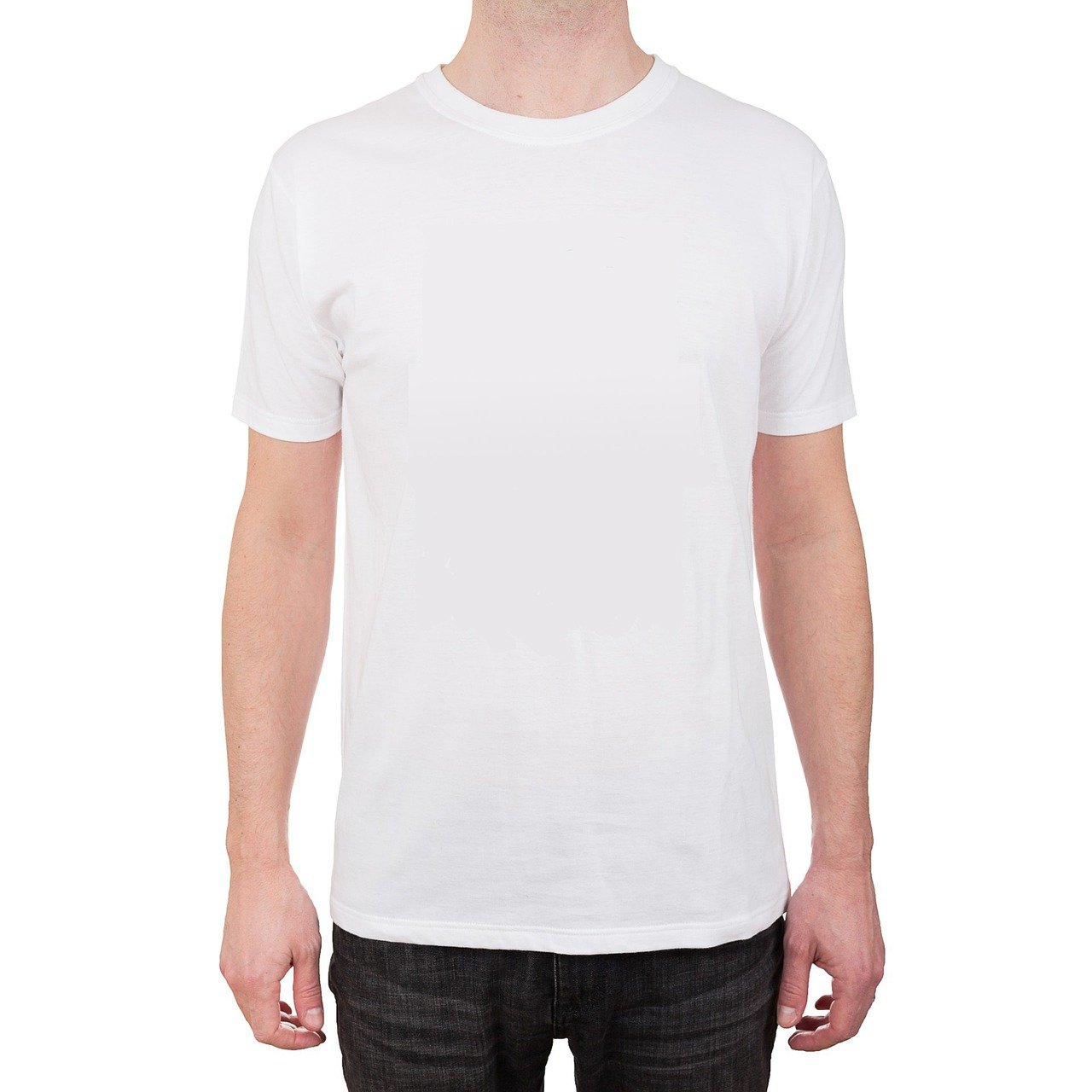
T-Shirt One
Color: White, Size: M, Qty: 1
£ 35.95
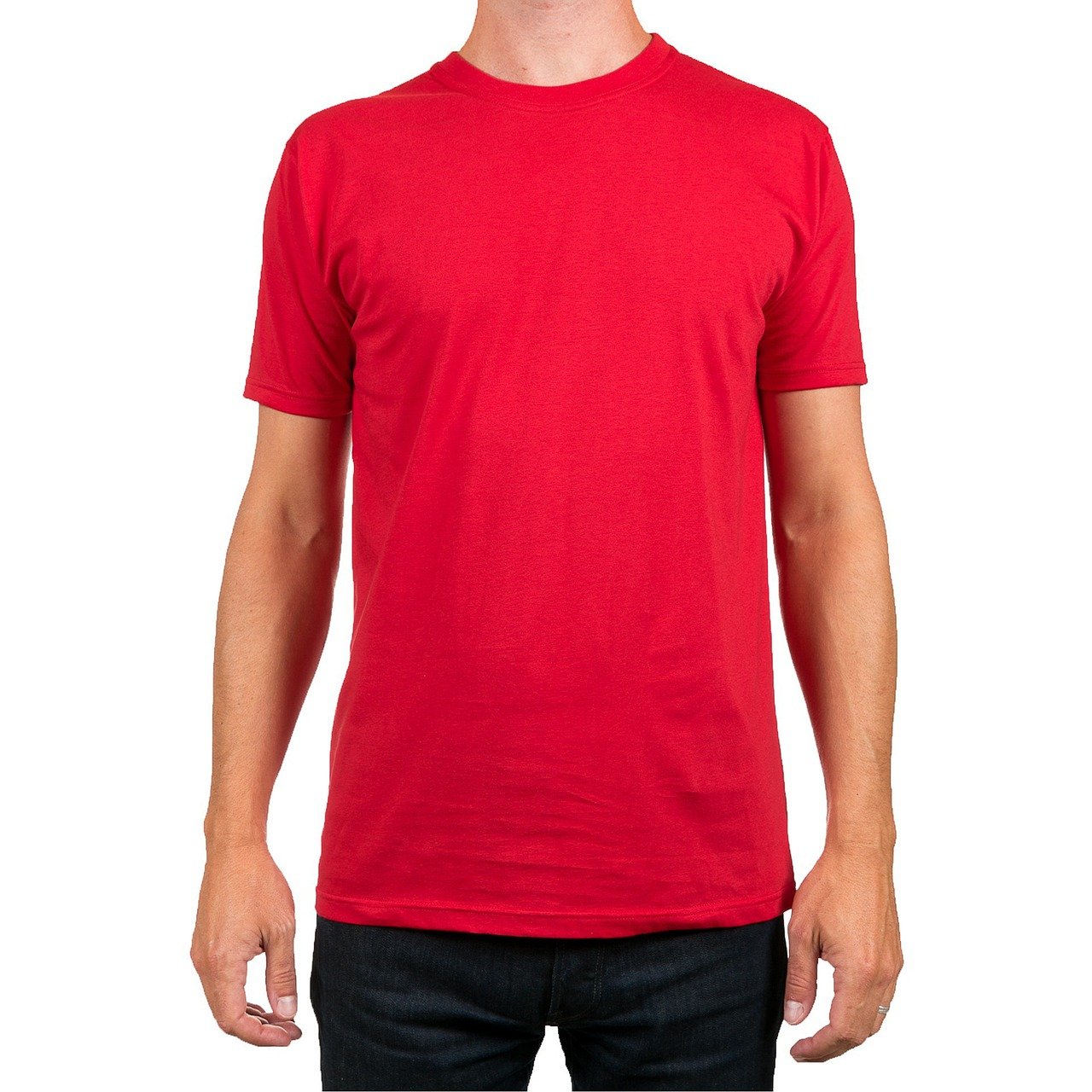
T-Shirt One
Color: Red, Size: M, Qty: 1
£ 35.95
Subtotal
VAT
Delivery
Total
£ 71.90
£ 14.18
£ 00.00