INFORMATION & CODE
Simple Animated Banner Display
What The Code Does
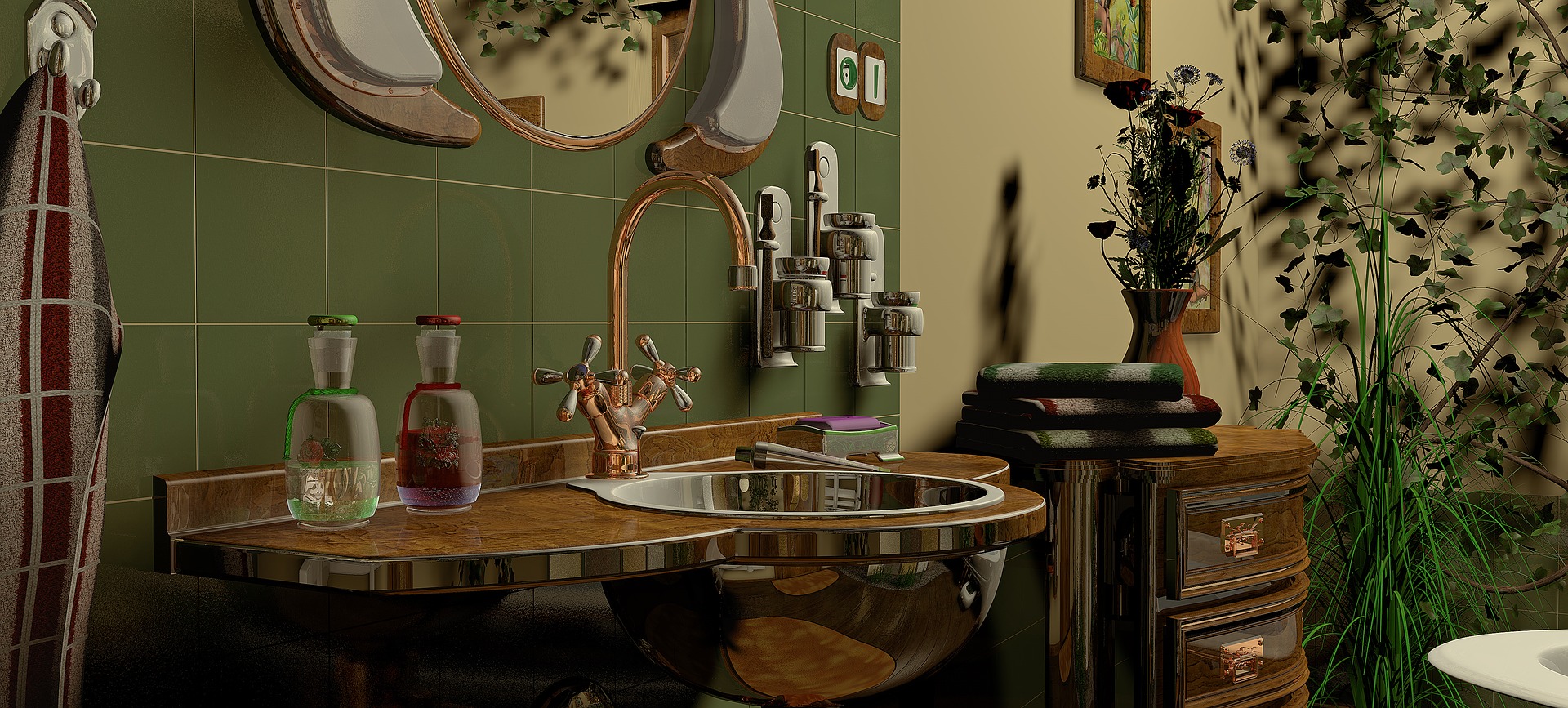
This code creates a responsive, retro-styled promotional banner designed for a website, specifically themed around bathroom designs and a company call-to-action. Visually, the banner features retro pixel-art fonts ("Press Start 2P"), a grayscale aesthetic, and a striking green accent ribbon that bisects the display.
The core interactive feature of this component is a hover effect. When a user moves their mouse over the banner, an angled green ribbon straightens out. This reveals more of the underlying layout or creates a dynamic visual transition, which is handled in tandem by CSS transitions and JavaScript event listeners.
How It Works
The functionality is divided into three standard web development layers: HTML, CSS, and JavaScript.
- The HTML Structure: The markup establishes a main container (.banner) holding text elements (<h3> and >h4<), a call-to-action link (<a class="shop">), a background product image (<img>), and a decorative element (<div class="ribbon">). It also links to external resources, including Google Fonts for the retro typography and FontAwesome for icons.
- The CSS Styling: CSS handles the layout and visual presentation. It uses Flexbox to center the banner on the screen, applies a global grayscale filter to give the banner a muted, vintage look, and sets up absolute positioning to layer the text, image, and ribbon correctly. The .ribbon class is initially styled with a 15-degree rotation and a smooth transition duration, which creates a sliding/rotating animation when its transform property changes.
- The JavaScript Logic: JavaScript enhances the interactivity by targeting the .banner and .ribbon elements. It listens for onmouseover and onmouseout events (triggered when the user hovers over or leaves the banner area) and dynamically updates the CSS transform property to rotate the ribbon between 15 degrees and 0 degrees. (Note: The JavaScript code also includes event listeners for an img variable, though an explicit const img declaration is missing from the provided snippet).
How to Use The Code
To implement and use this code on your own website, follow these steps:
- Separate the Files: Create three separate files in the same directory on your computer: name them index.html, styles.css, and scripts.js.
- Paste the Code: Copy the respective HTML, CSS, and JavaScript code blocks provided above and paste into their corresponding files.
- Host or Open: Open the index.html file in any modern web browser by double- clicking it, or run it through a local development server (like the Live Server extension in Visual Studio Code).
- Customize Content: You can easily adapt the banner for your own brand by changing the text inside the <h3> and <h4> tags, updating the href attribute on the "SHOP NOW" link, and replacing the image URL in the <img> tag with a link to your own product photo.
HTML
CSS
JAVASCRIPT