
INFORMATION & CODE
Image Filter Display
How the Program Works
When the webpage first loads, every image gallery is hidden because .image-container uses display: none. Clicking one of the navigation buttons triggers the showContainer() function. The function converts the button's ID into a number, retrieves all of the image gallery containers, hides them all, and then reveals the gallery whose position matches the button's ID. Because only one gallery is made visible, the interface behaves like a simple filter or tabbed navigation system.
The thumbnails are displayed in grayscale, and pressing an individual image temporarily enlarges it using the CSS :active pseudo-class. This provides a lightweight preview effect without additional JavaScript.
How to Use the Program
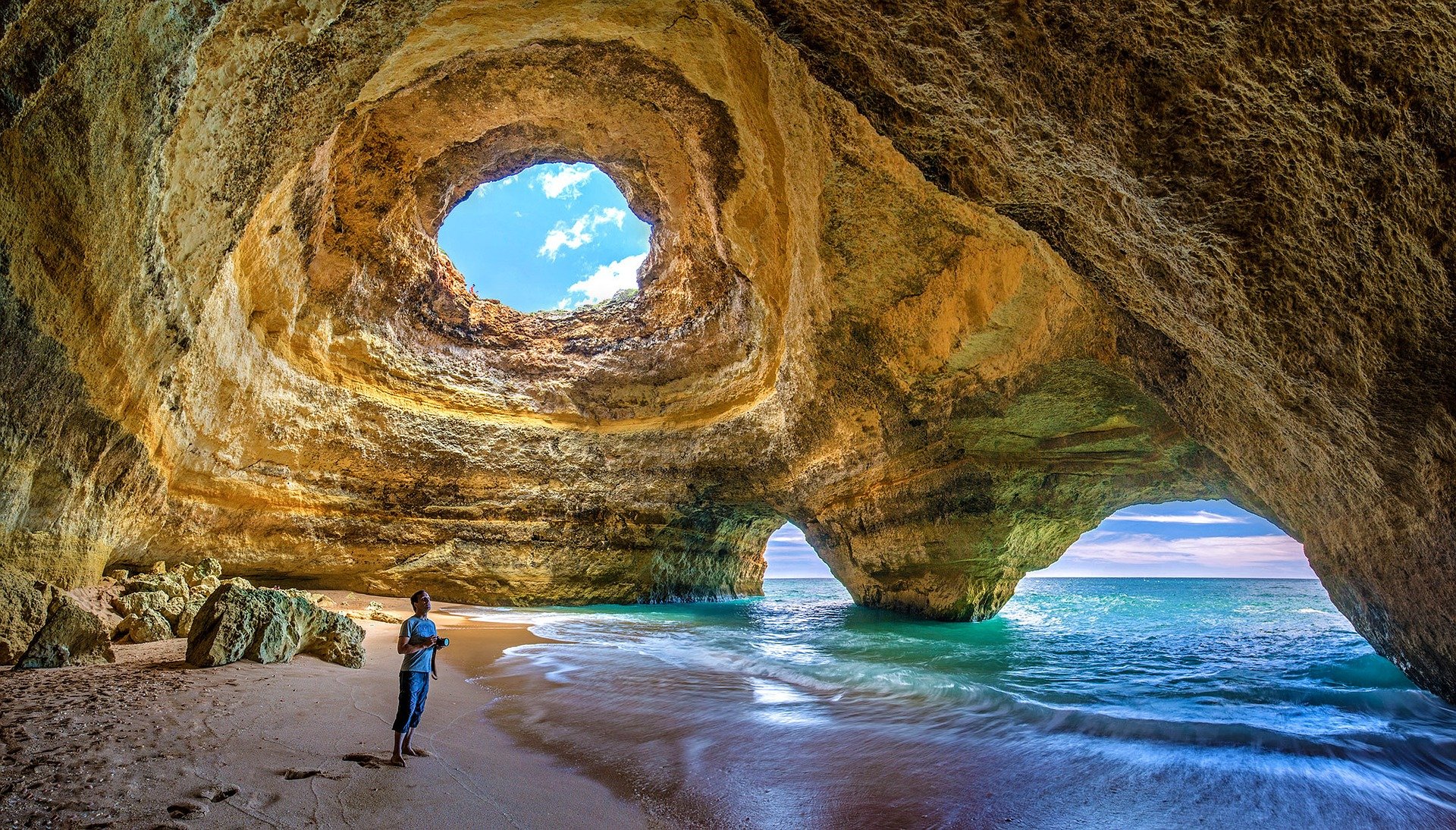
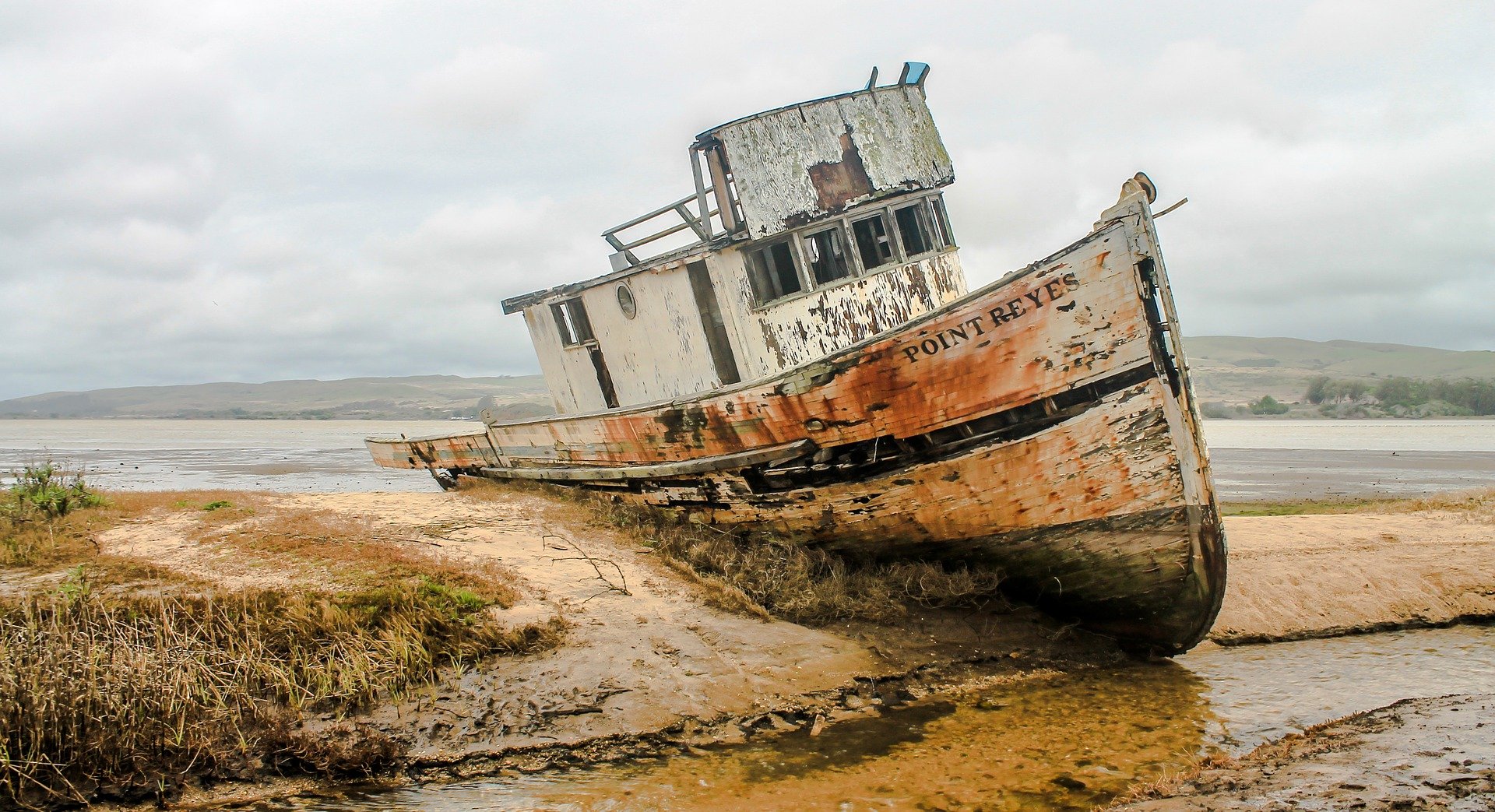
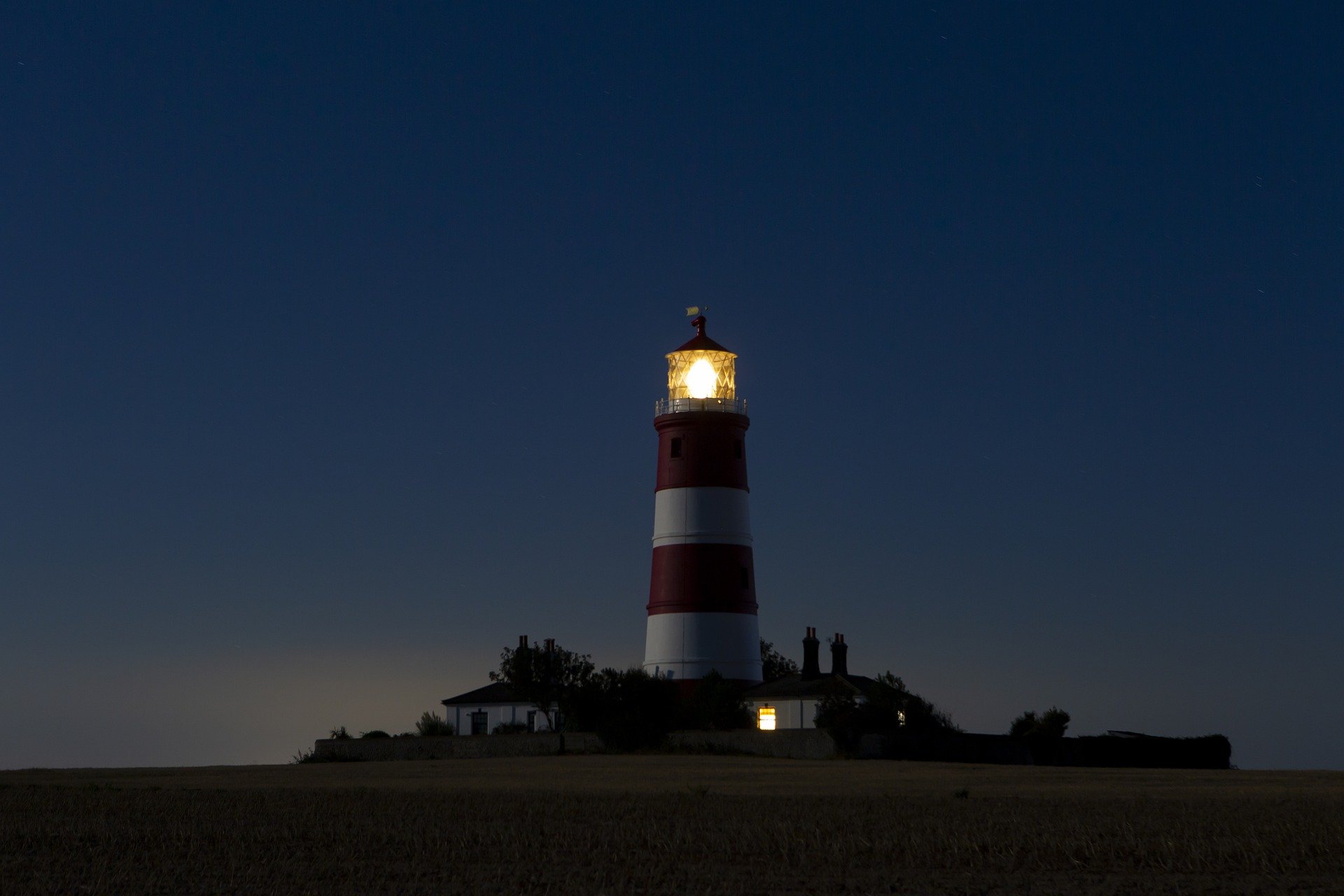
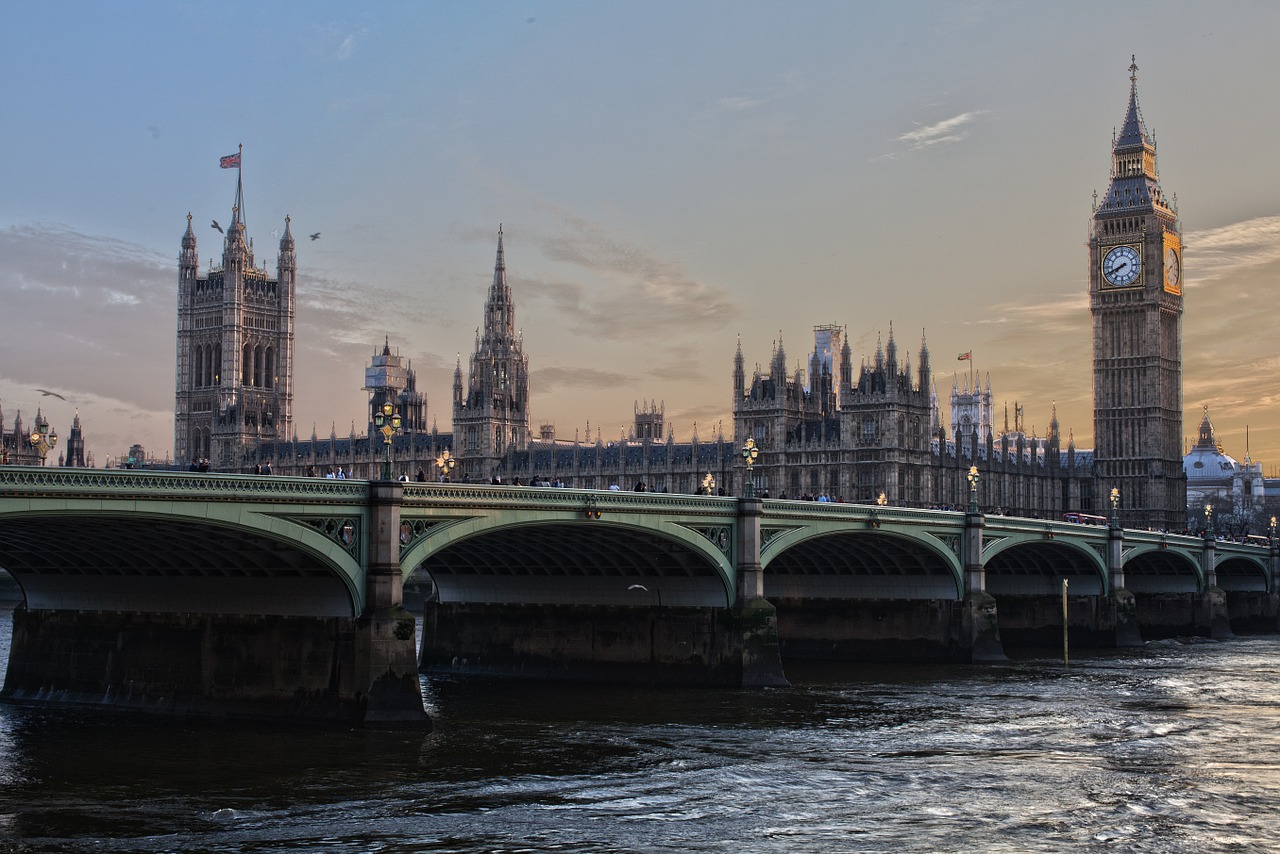
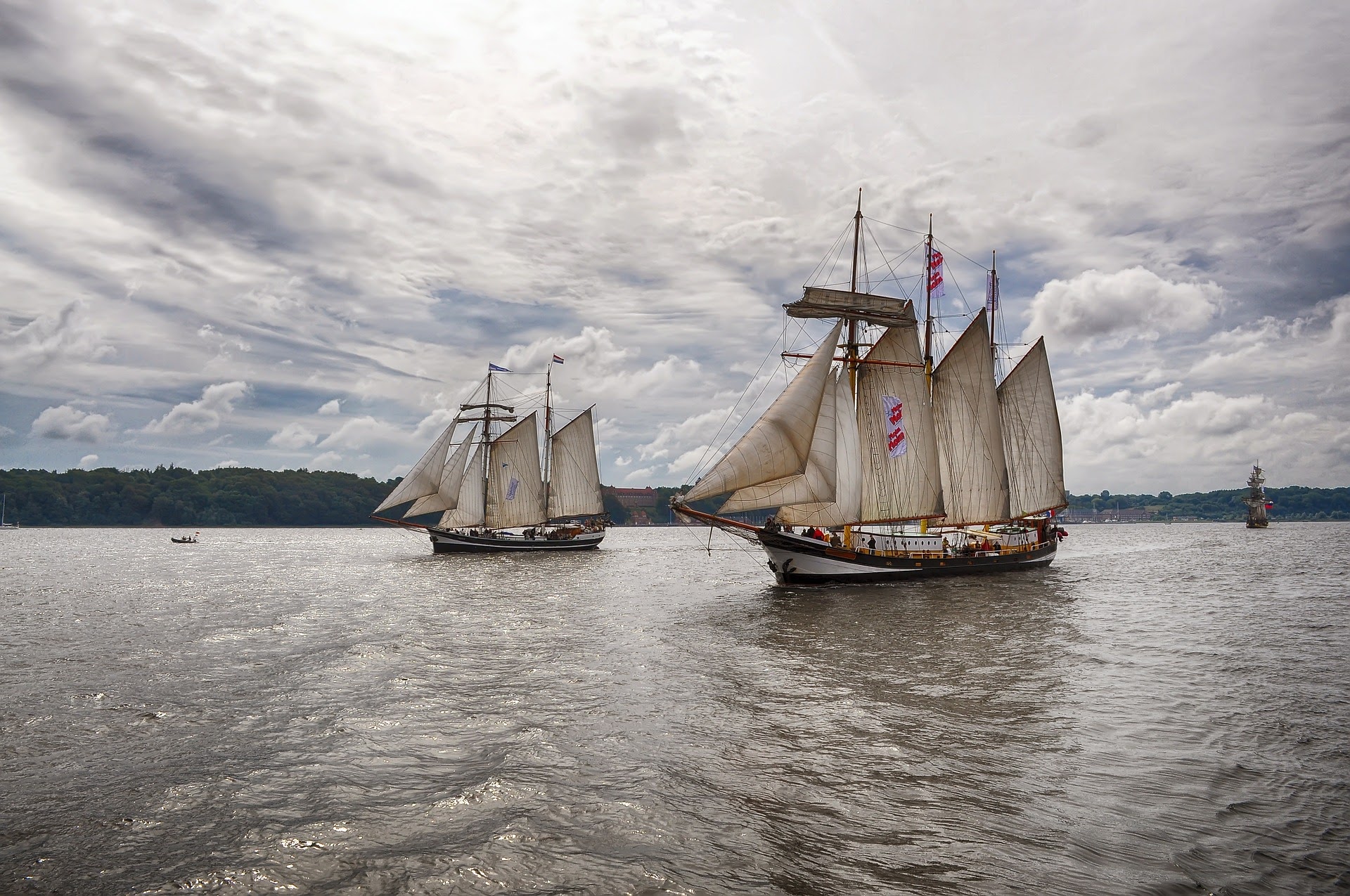
To use the portfolio, open the HTML file in any modern web browser. Initially, no images are shown because all galleries are hidden by default. Clicking All, Rural, Urban, or Coast displays the corresponding collection of photographs while automatically hiding the others. Holding down the mouse button on a thumbnail enlarges it for a closer look, and releasing the mouse returns it to its original thumbnail size.
If you wish to add more categories, create another navigation button with the next sequential ID (for example, id="4), add a corresponding <div class="image-container"> containing the new images, and ensure the new container appears in the correct order in the HTML. The existing JavaScript will continue to work without modification because it selects galleries by their position in the list.
HTML
CSS
JAVASCRIPT
PREVIEW
All

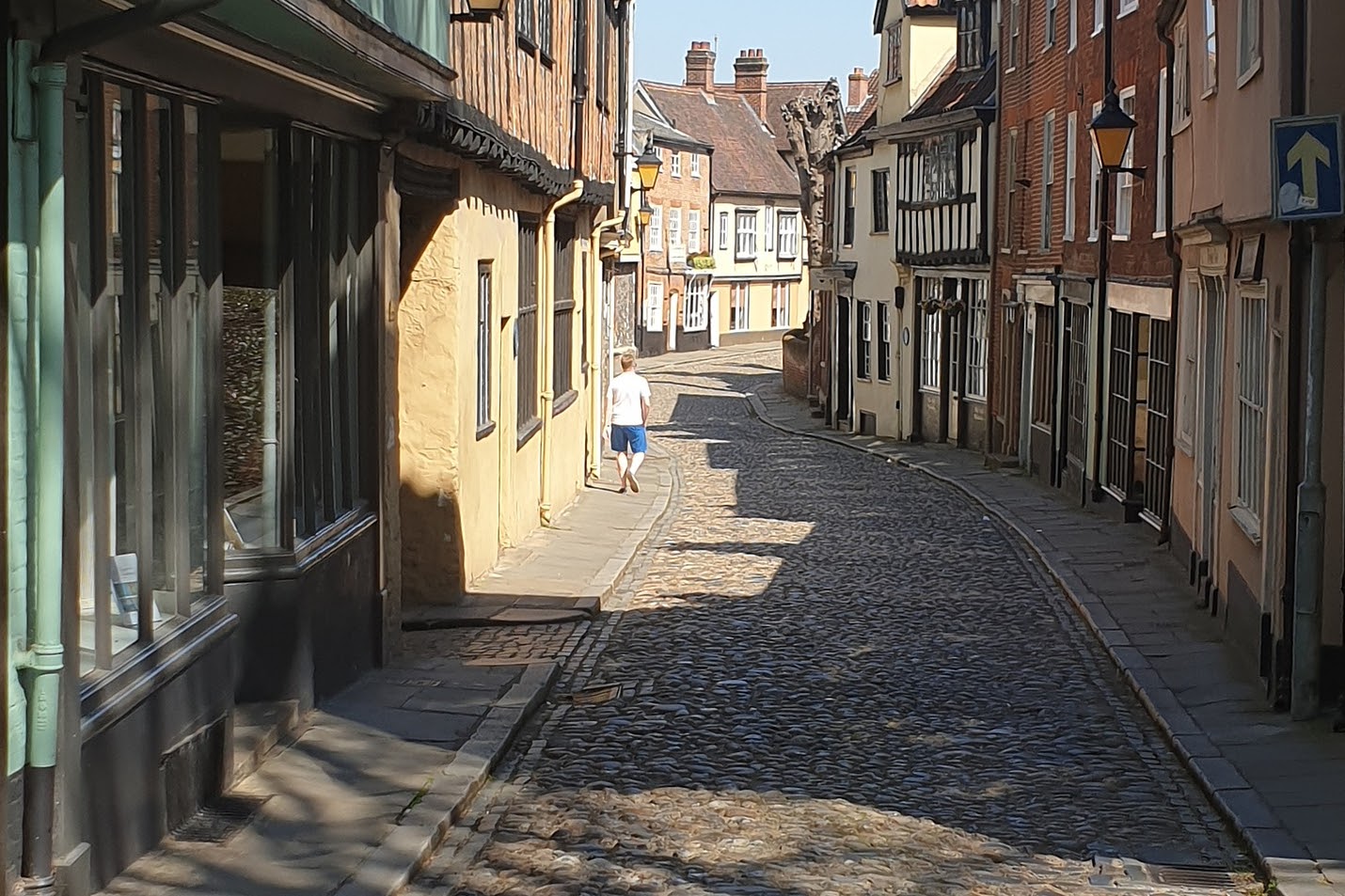


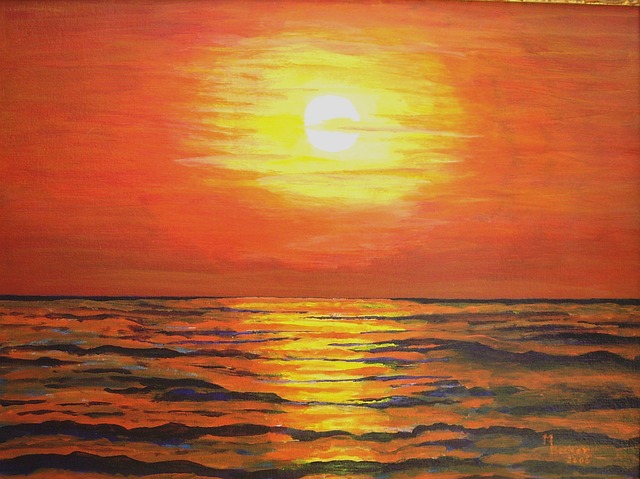




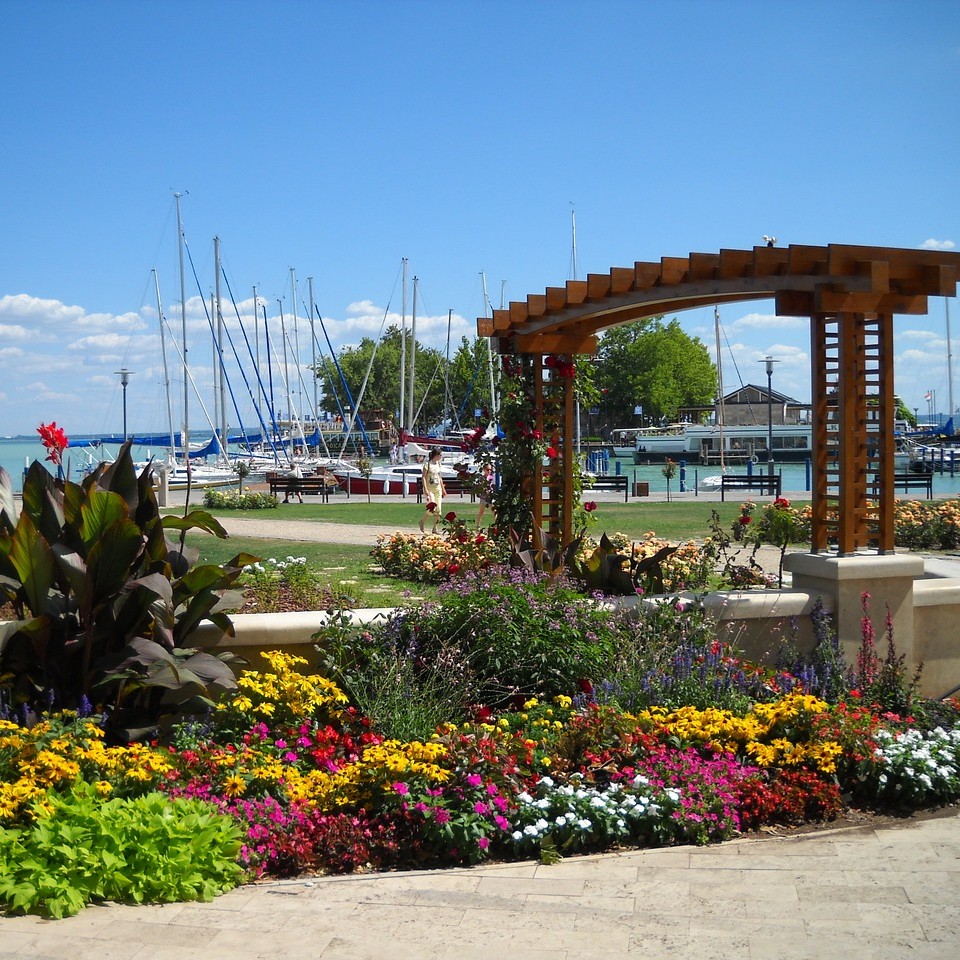

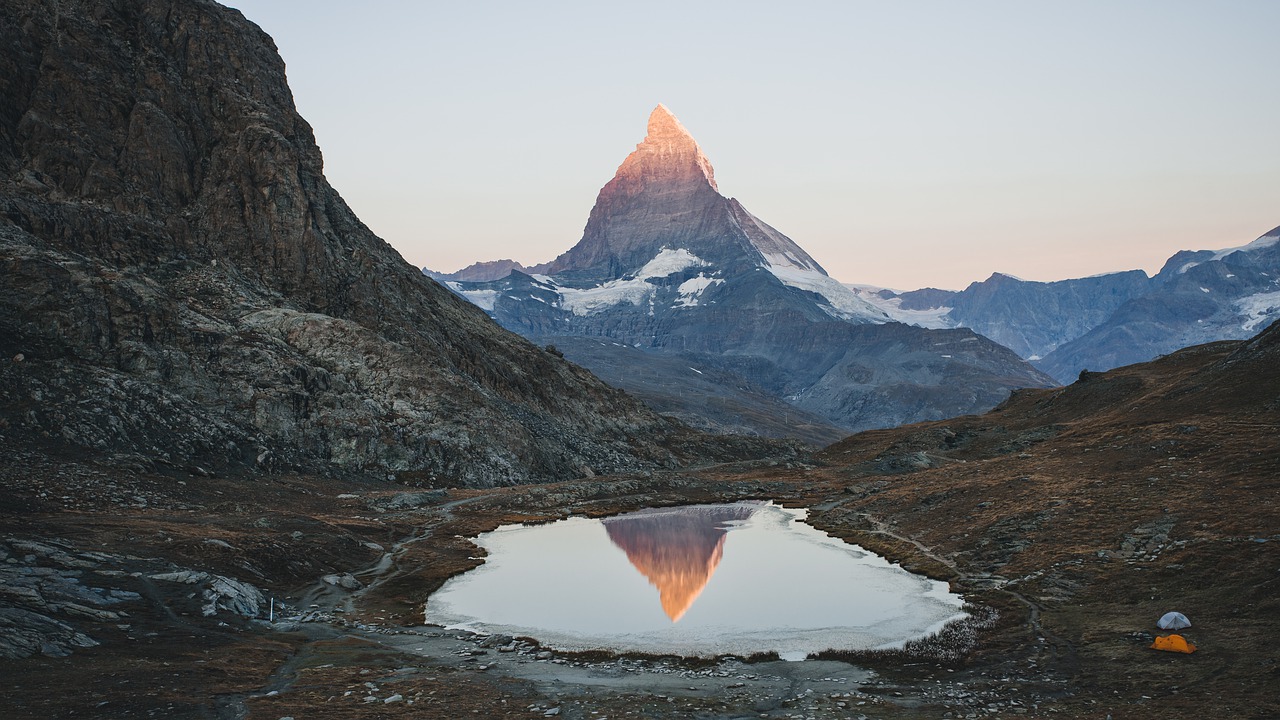










Rural
Urban
Coastal